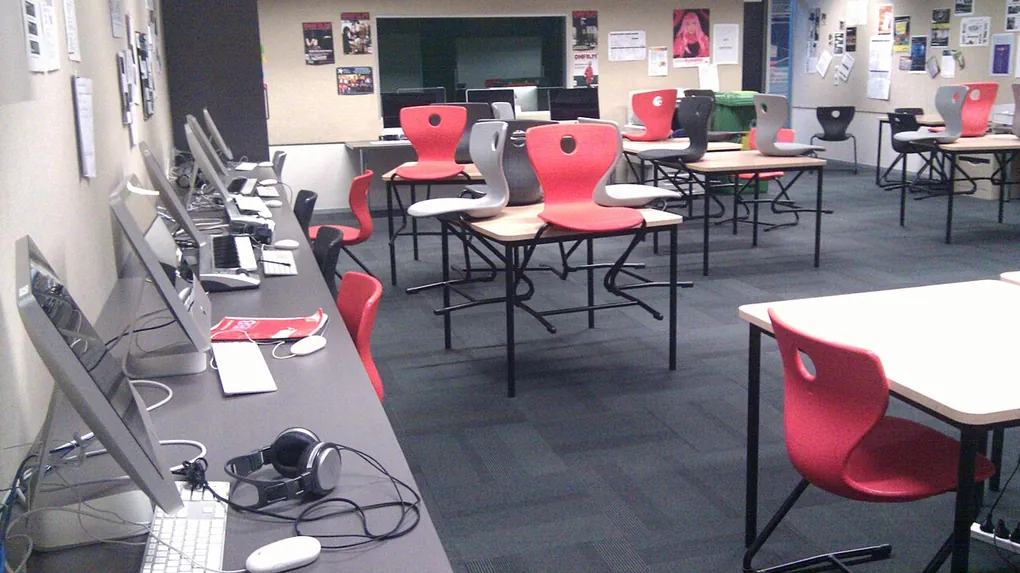
Short answer: “Unblocked games” sites, such as Classroom 15x, Hypackel and MathsSpot, are browser game websites that students use to play at school, often on Chromebooks, because they may slip past school web filters. When we checked on 27 November 2026, Classroom 15x described itself as offering “free unblocked games to play at school”, Hypackel listed browser games such as PolyTrack, and MathsSpot displayed the now.gg cloud gaming platform.
Playing a quick game is not harmful in itself. The concerns for parents and teachers are distraction from learning, adverts and pop-ups, data collection, games copied without permission, and getting around school safety filters. The best approach is a calm conversation, clear rules about when games are OK, and good free alternatives, including many that teach real skills.
I will be honest with you: if you are a parent who has just heard your child mention “Classroom 15x” or “Hypackel”, or a teacher who keeps spotting the same game tabs, you are not alone. Unblocked games sites are hugely popular with students, and their names spread quickly through classrooms. This guide explains what these sites are, what we found when we checked them, why schools block games, the genuine risks, and practical ways to handle it, without turning it into a battle.

What are “unblocked games”?
“Unblocked games” is a catch-all term for free browser games that can be played without installing anything and that may not yet be blocked by a school’s web filter. Sites hosting them come and go constantly, often with names that sound educational, such as “classroom” or “maths”, or with numbers added (6x, 15x, 30x and so on), partly so they look harmless and partly to stay ahead of filters.
Many sites with similar names are not connected to each other. “Classroom 15x”, “Classroom 30x” and “Classroom 6x” may be run by entirely different people. That is worth knowing, because a name a child trusts is no guarantee about what a particular site shows or collects.
What we found on each site
| Site | Registered | What the home page showed (27 Nov 2026) |
|---|---|---|
| classroom15x.com | 28 October 2024 | Described itself as offering “free unblocked games to play at school or anywhere”, listing puzzle, arcade and action games |
| hypackel.com | 7 October 2021 | A browser games site listing titles such as PolyTrack, N-GON and Gladihoppers |
| mathsspot.com | 17 August 2022 | Displayed the now.gg mobile cloud gaming platform, which streams mobile games in a web browser |
| allysplay.com | 12 April 2024 | A Cloudflare security check, so we could not see the content |
Notice the pattern: a name that sounds educational (“MathsSpot”) showing a gaming platform. This is not unusual for unblocked games sites, and it is one reason teachers and filtering companies watch them closely. Cloud gaming services such as now.gg let users play mobile games inside a browser tab, which can make them harder for basic filters to recognise.
How school web filters work, and why new sites slip through
It helps to understand why a brand-new games site can work at school for a few days before disappearing. School filters typically combine several techniques:
| Technique | How it works | Limitation |
|---|---|---|
| Category lists | Filtering companies sort millions of websites into categories such as “games” | Brand-new sites may not be categorised yet |
| Domain and URL blocking | Specific addresses are blocked | Sites can move to new addresses |
| Keyword and content checks | Pages are scanned for words or patterns | Innocent-sounding names can get through at first |
| Monitoring | Activity on school devices is logged and flagged | Relies on staff reviewing alerts |
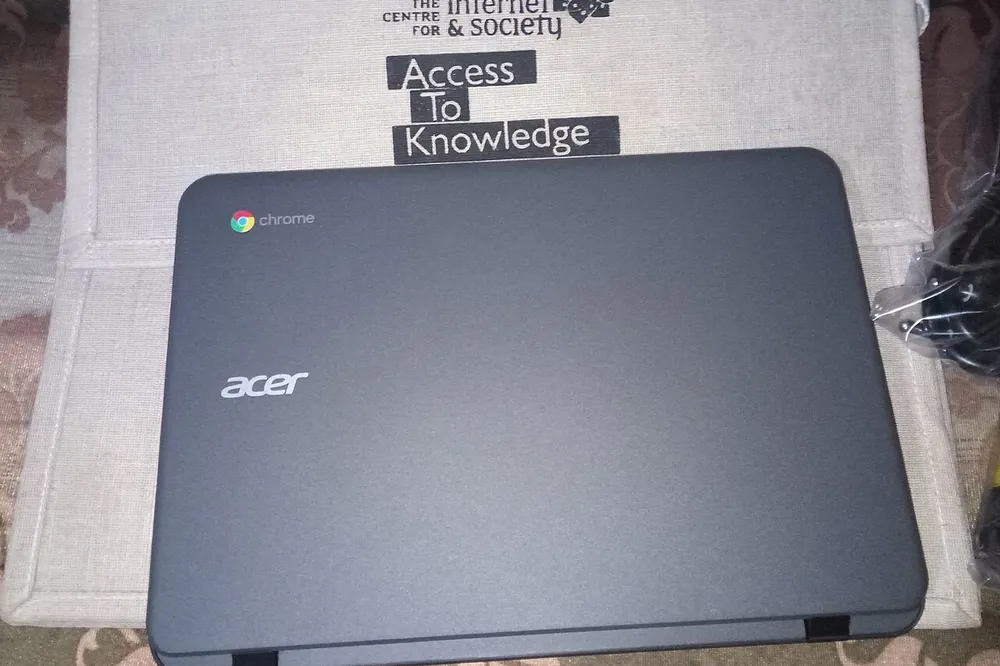
| Device management | School Chromebooks can be locked to allowed sites or extensions | Settings vary by school |
This cat-and-mouse pattern explains the endless new names with numbers and educational-sounding words. It also means that any list of “working” unblocked games sites is out of date almost as soon as it is published.
Why students love unblocked games
Understanding the appeal helps you respond sensibly. Students usually turn to these sites for simple reasons:
| Reason | What is going on |
|---|---|
| Boredom or downtime | Finished work early, waiting for a lesson to start, or wet break times |
| Social connection | Friends play the same games and compare scores |
| Quick, low-commitment fun | Short games that need no account or download |
| A sense of challenge | Getting around the filter can be part of the appeal |
| Stress relief | A few minutes of play as a break from schoolwork |
My advice: start from curiosity, not suspicion. Asking “what do you like about it?” will get you much further than an immediate ban, and it gives you a chance to look at the site together.
Why schools block games
In England, the Department for Education’s statutory guidance, Keeping children safe in education, requires schools and colleges to have appropriate filtering and monitoring systems, and the DfE published specific filtering and monitoring standards in 2023. Filters are mainly there to protect children from harmful content, but most schools also block games to keep devices focused on learning.
| Reason for blocking | Explanation |
|---|---|
| Safeguarding | Some game sites carry adverts, chat features or links to inappropriate content |
| Focus on learning | Games during lessons distract the player and the people around them |
| Network and device security | Pop-ups, redirects and unknown scripts can create security risks |
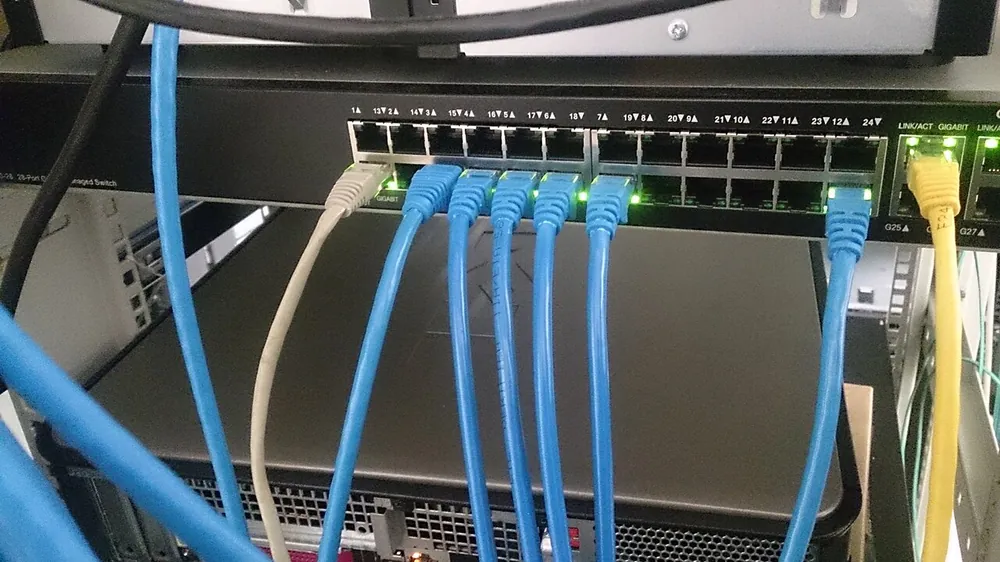
| Bandwidth | Cloud gaming and video use a lot of a school’s internet capacity |
| Acceptable use policies | Students and parents usually agree to rules on how school devices are used |
The real risks, without the scaremongering
| Risk | What it looks like | How serious |
|---|---|---|
| Distraction | Games during lessons or homework time | The most common issue; affects learning |
| Adverts and pop-ups | Ads for other games, apps or unsuitable content | Varies by site; can lead children to unsafe pages |
| Data collection | Tracking cookies and analytics, sometimes without clear privacy information | Low to moderate; worth checking privacy settings |
| Copied games | Games re-hosted without the developer’s permission | A legal and ethical issue for the site, and quality and safety can suffer |
| Chat with strangers | Some multiplayer games have open chat | Potentially serious; check whether games have chat |
| Bypassing filters | Proxies or VPNs used to reach blocked sites | Breaches school rules and removes safety protections |
The biggest concern for many schools is not a particular game but the methods some students use to reach blocked sites, such as proxy sites or VPNs. These do not just open up games; they switch off the protections that filter harmful content, which is why schools usually treat filter-bypassing seriously.
What parents can do
If your child has a school-issued device, remember it is managed by the school and subject to its policies, including at home in many cases. If you are unsure what is allowed, ask the school.
What teachers can do
| Approach | Why it helps |
|---|---|
| Share the approved list | Students know which games and tools are allowed at break or after work is done |
| Use “earned” game time | Short, approved activities reward focus without banning fun entirely |
| Report new sites to IT | Filtering teams rely on staff noticing new names |
| Teach digital literacy | Explain adverts, data and why filters exist, rather than just blocking |
| Involve parents | A consistent message at school and home works best |
Better alternatives that are still fun
The good news is that there are plenty of free games and tools that children enjoy and that schools are often happy to allow.
| Option | What it offers | Good for |
|---|---|---|
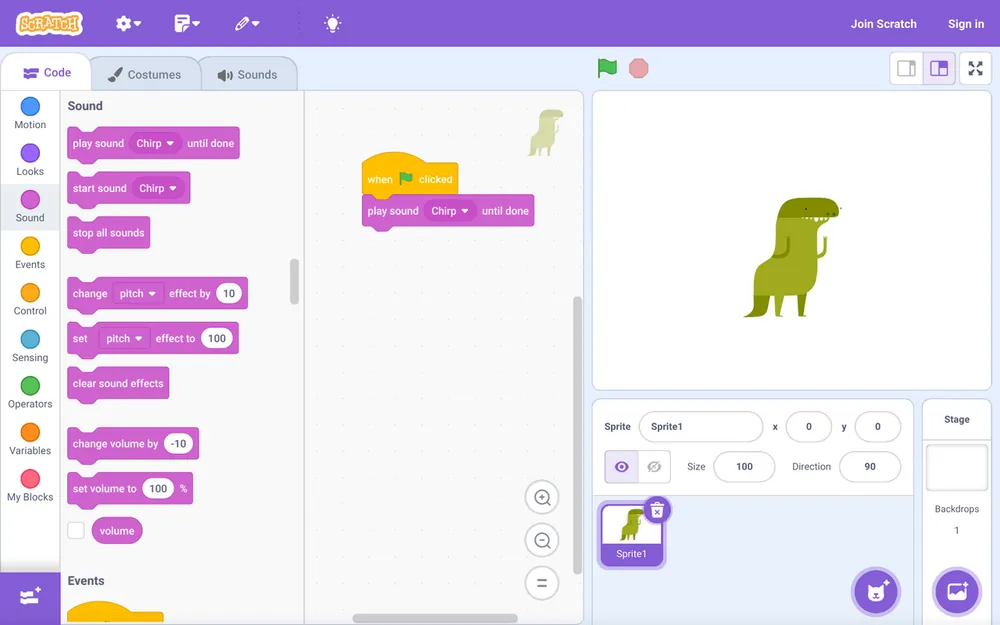
| Scratch | Free block-based coding from the MIT Media Lab; children make and share their own games | Creativity and coding |
| Code.org | Free coding activities, including short “Hour of Code” games | Computing skills |
| BBC Bitesize | Learning games and revision activities linked to the UK curriculum | Revision |
| Gimkit and quiz games | Classroom quiz games that teachers host | Learning through play |
| Khan Academy | Free lessons and practice in maths and more | Practice and catch-up |
| Lichess | Free, open-source chess with puzzles and no adverts | Strategy and focus |
| Duolingo | Game-style language practice | Languages |
For classroom quiz games, see our guide to how to host a Gimkit game, and for game-style language learning, our tips on learning Spanish fast.
What about the Chrome dinosaur game?
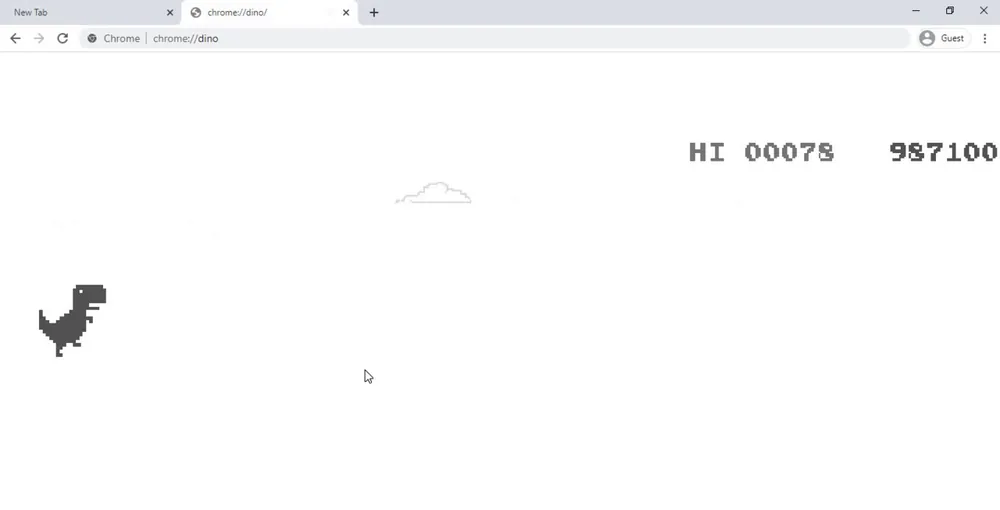
Many students know the dinosaur game built into Google Chrome, which appears when the browser cannot connect to the internet. It has no adverts, needs no website and has long been a favourite. Some schools disable it on managed Chromebooks; others leave it. It is a good example of how simple games can be harmless fun in the right moment, and why clear rules about when games are acceptable matter more than which game it is.
Signs a game site is safer
| Safer signs | Warning signs |
|---|---|
| Clear information about who runs it | No about page, company name or contact details |
| A privacy policy that mentions children | No privacy policy at all |
| Few or no adverts | Pop-ups, redirects and “you have won” messages |
| No account or chat needed | Open chat with strangers or requests for personal details |
| Games from known developers or the site’s own creators | Well-known commercial games offered free with no explanation |
| Works without downloads or extensions | Prompts to install extensions, apps or “players” |
Talking points for different ages
| Age group | What to focus on |
|---|---|
| Younger primary (5–7) | Games are for agreed times; always ask before trying a new website; tell an adult if something worrying pops up |
| Older primary (8–11) | Why adverts and pop-ups can be tricks; never share personal details; school rules exist to keep everyone safe |
| Secondary (11–16) | Why bypassing filters matters; how sites make money from data and ads; balancing games with sleep and schoolwork |
| Sixth form (16+) | Self-management, focus and digital wellbeing; respecting acceptable use agreements they have signed |
Whatever their age, children are more likely to come to you with a problem if they know they will not be in trouble just for telling you. Making that clear is one of the most useful things a parent or teacher can do.
Screen time: a balanced view
Parents often worry about how much time children spend on screens. The Royal College of Paediatrics and Child Health’s 2019 guidance found little evidence to support a single “safe” daily limit, and instead encouraged families to agree limits based on each child’s needs, to check that screen use is not displacing sleep, exercise, socialising or schoolwork, and to avoid screens in the hour before bed. That is a helpful way to think about games too: the question is less “how many minutes?” and more “what is it replacing?”
| Healthy sign | Worth discussing |
|---|---|
| Games fit around homework, sleep and activities | Games replacing sleep or schoolwork |
| Child can stop when asked | Frequent arguments about stopping |
| Plays with friends and talks about it | Secretive about sites or time spent |
| Mix of games, creative tools and offline play | Only one type of activity |
Online safety settings worth checking
| Setting | Where |
|---|---|
| Family filters | Your broadband provider’s account settings |
| Google Family Link or device parental controls | Child’s phone, tablet or personal Chromebook |
| Browser safe search | Search engine settings |
| Pop-up blocking | Browser settings |
| Chat controls in games | Each game’s settings, or avoid games with open chat |
In the UK, the Online Safety Act 2023 places duties on online services to protect children, with Ofcom setting out codes of practice. Small browser game sites based overseas may be harder to hold to account, which is another reason home settings and conversations matter.
A simple family agreement
Some families find it helpful to write down a short agreement about games and screens. Keep it positive and review it every few months as children grow. It might include:
- Games are fine at break times and after homework, not during lessons.
- We only use school devices for what the school allows.
- We ask before trying a new website or app.
- We never share our name, school, address or photos with people we meet in games.
- If something online upsets or worries us, we tell an adult, and we will not be in trouble for telling.
- Screens go off an hour before bed.
Children who help write the rules are usually more willing to follow them, and the agreement gives everyone something calm to point back to when disagreements happen.
Teachers can adapt the same idea for a class: a short list of approved activities for spare moments, displayed on the wall or the class page, removes much of the temptation to search for unblocked games in the first place, and gives students a clear, fair answer to the question “what can I do now?”
If your child is in trouble at school over games
- Find out what happened from both your child and the school before reacting.
- Check the acceptable use policy that applies to school devices.
- Separate playing from bypassing. Using a proxy or VPN is usually treated more seriously than playing an unblocked game.
- Agree a plan with the school, such as approved break-time activities.
- Keep it in proportion. For most children, this is a learning moment, not a crisis.
More education guides: how to host a Gimkit game, how to learn Spanish fast.
Frequently asked questions
What are unblocked games?
Free browser games on sites that may not yet be blocked by school web filters, often played on school Chromebooks.
What is Classroom 15x?
When we checked, classroom15x.com described itself as offering free unblocked games to play at school. It was registered in October 2024.
Is Classroom 30x the same as Classroom 15x?
Not necessarily. Many similarly named sites exist and may be run by different people.
What is Hypackel?
A browser games site, registered in 2021, which listed games such as PolyTrack, N-GON and Gladihoppers on our visit.
What is MathsSpot?
Despite its name, mathsspot.com displayed the now.gg cloud gaming platform when we checked.
Are unblocked games safe?
They vary. Risks include adverts, data collection, copied games, chat with strangers and distraction from learning.
Is it against school rules to play unblocked games?
Often, yes, during lessons. Using proxies or VPNs to get around filters is usually treated more seriously.
Why do schools block games?
For safeguarding, focus, network security and bandwidth. Schools in England must have appropriate filtering and monitoring.
What are good alternatives?
Scratch, Code.org, BBC Bitesize, classroom quiz games, Khan Academy, Lichess and Duolingo.
How much gaming is too much?
Rather than a fixed limit, look at whether gaming displaces sleep, exercise, socialising or schoolwork.
Final thoughts
Classroom 15x, Hypackel, MathsSpot and their many look-alikes are a normal part of school life for lots of children. They are not a reason to panic, but they are a good reason to talk: about when games are fine, why filters exist, and what makes a site safe. With clear rules and some genuinely fun alternatives, most families and schools find a balance that works.
Sources: Our own visits to classroom15x.com, hypackel.com, mathsspot.com and allysplay.com and their public RDAP records (27 November 2026); Department for Education, Keeping children safe in education, and filtering and monitoring standards (2023); Royal College of Paediatrics and Child Health guidance on screen time (2019); Online Safety Act 2023 and Ofcom guidance; Scratch (MIT Media Lab), Code.org and BBC Bitesize. Images: Wikimedia Commons, credited in each caption.